Docs
How StockGaines works
The pages anyone can read: how the lab tests, the leaderboard and its verify page, creators, the API, security and the legal pages.
How we test
The research lab's method in full, with a running count of what it rejected and one run with every number open.
How we test
The lab's method in full: walk-forward, the candidate bar, the stress gate, costs, point-in-time data and how every trial is counted.
Every strategy the lab looks at goes through the same steps, whether the lab found it, someone imported it or someone asked about it. Each step is described in plain words first and as a formula second.
- In short, with the running count: configurations tested, runs evaluated, passed the bar and rejected.
- Walk-forward, with a purge and an embargo: settings are chosen on a training window and traded on the next window, which the choice never saw. Only the trading windows count.
- The candidate bar, The stress gate and Costs: what a result must clear, and the trading costs it is charged.
- Point-in-time data: only what was known on each day.
- How trials are counted: every configuration ever tried makes the next pass harder.
- Our bar against a profit-factor bar (Phase 32 M8.5): the same 66 noise strategies (trend, momentum and lead-lag on 22 seeded random walks, the lab canary's market) judged by a loose bar (at least 100 trades, profit factor 1.2, win rate 40%) and by ours, with how many each passes. Its figures come from src/research_lab/noise_compare.py, written to web/src/lib/noiseCompare.json and reproduced bit for bit by tests/test_noise_compare.py, not from the engine.
Every other number on the page is read from the lab's code when the page is drawn, so it says what the lab runs today. When the lab does not answer, the page says so and asks you to try again in a minute.
What the lab rejected
A running count of every configuration the lab tested, how many passed the bar, and why the rest failed.
At /how-we-test/rejected: the count of configurations tested and the share that passed the candidate bar, then two tables. By source splits the count by where the strategies came from. By the first check that failed shows which part of the bar stopped each one.
The counts are totals only: no account, family name or run id is shown. When the count cannot be read, the page says the running count is not available right now.
An example run
One lab run with every number open: the spec, every fold, each check of the bar, the stress gate, costs and every out-of-sample trade.
At /how-we-test/example: the bar check by check, the stress gate, the deflated Sharpe's inputs, the spec, every fold, costs and capacity, and every out-of-sample trade.
Until the lab has finished a run it can show, the page says an example is coming.
Leaderboard
Strategies ranked on their record since their logic was locked, each strategy's page and each creator's profile. Off until the owner opens it.
The leaderboard
Strategies ranked by deflated Sharpe on their record since lock, never the backtest. While the owner's switch is off it says only that it opens soon.
While it is off. The board sits behind the owner's switch, which stays off until a securities lawyer has reviewed it. Until then the page says only: The StockGaines leaderboard opens soon. It asks search engines not to index it, and the verify page and creator profiles say the same.
Once it opens, the page shows:
- Four figures: strategies tracked, ranked, broker-verified, and retired but kept public.
- Filters: Order, Record, Kind and Sessions, then Apply.
- The board: broker-verified records ranked in one table and paper records in another, never mixed, each by deflated Sharpe since lock, with sessions since lock, return, Sharpe, max drawdown, PBO, subscribers and price.
- Not ranked yet: strategies with fewer than 126 sessions since lock, shown so nothing is hidden.
- Retired and removed: kept on view with the reason and the final record, so the board does not show survivors only.
- How we rank: only the record after the lock counts; the Sharpe is deflated for every configuration the family tried; 126 sessions to rank and 252 for the top three; returns are net of costs against the 50/50 SPY and QQQ blend; a change to the logic starts a new record; price and subscribers never change the order.
- A form to report a problem with a strategy, and the disclosures: past results do not promise future returns, paper records did not trade real money, and nothing here trades for anyone.
A strategy's page
One strategy's full record since lock, how it works in words, its signals and every trade since lock.
Open a strategy from the board for The record (a chart: grey is the backtest that found it, shown and never ranked; blue is the record since lock; amber is the blend over the same days), Since lock, a Broker check against the broker's own fills, How it works, in words, Signals and Every trade since lock.
Signals and the marketplace. A subscription would deliver the same signals to everyone at each close; trading them in your own broker is not offered. The marketplace sits behind a second owner switch, also off until legal review. While it is off, the Signals box says: The marketplace opens after legal review. Until then only the owner can subscribe, to test the delivery.
Creator profiles
A creator's bio, site and followers, and every strategy of theirs on the board with its record since lock.
At /leaderboard/creators/<handle>: the creator's name and bio, Follow (followers get a note when the creator lists a new strategy; following needs a sign-in), Retired and removed with the reason for each, and Strategies on the board with each one's record since lock.
While the leaderboard is off, a profile says the board opens soon. Another creator's profile shows only once the marketplace is open. Creators work in the terminal's Creator studio, which members read about in the terminal's library.
Verify a record
The leaderboard's record chain, checked in your browser or offline.
Verify a record
Every published strategy writes one hashed line a session. Your browser recomputes the chain, or you check it offline with the package.
Each published strategy writes one line a session with its record since lock. Each line is hashed together with the hash before it, so changing, removing or reordering any line changes every hash after it. The page recomputes the whole chain in your browser from the published lines and the daily heads.
Check it offline. Download the package: the lines, the chain, the daily heads, a README and verify.py (Python 3, standard library only). Unzip it and run python verify.py; it prints MATCH or MISMATCH.
While the leaderboard is off, the page says it opens soon.
API docs
Read your own book from a script with a personal token, and drive the lab over MCP.
API docs
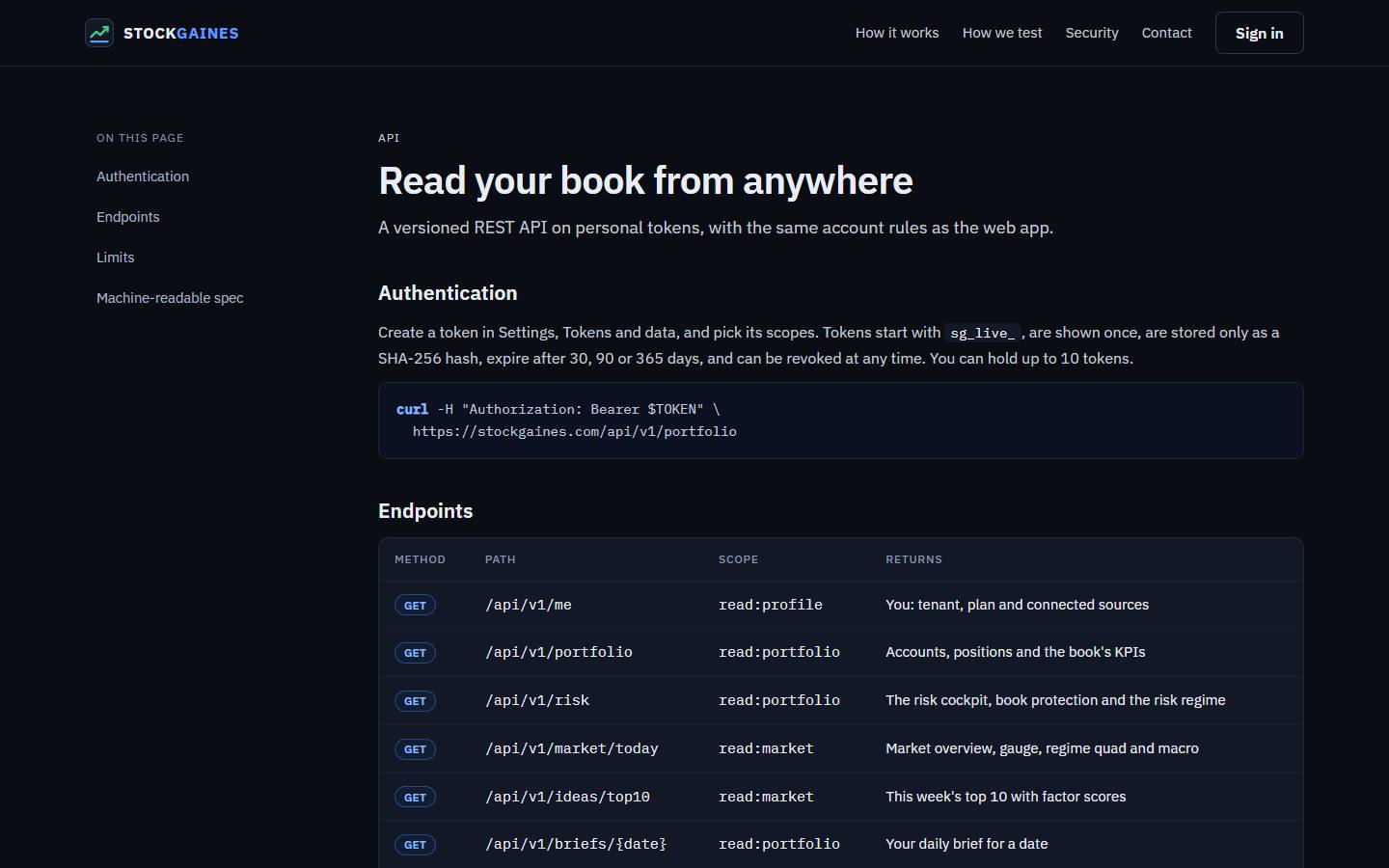
Read your own book from anywhere with a personal token. Each token carries only the scopes you pick and is shown once.
The API is versioned REST under /api/v1 on personal tokens, with the same account rules as the web app.
- Create a token in Settings, Tokens and data, and pick its scopes. It starts with sg_live_, is shown once and is stored only as a SHA-256 hash.
- A token expires after 30, 90 or 365 days and can be revoked at any time; you can hold up to 10.
- Each token may make 60 reads and 10 asks a minute. Over the limit the API answers 429; an unknown, revoked or expired token gets 401, and a token without the endpoint's scope gets 403.
The endpoints, scopes and the machine-readable OpenAPI spec are on the API page.
The lab's MCP server
Drive the research lab from Claude Code or any MCP client with a token that carries lab:read or lab:write. No tool can trade.
The MCP server is at /api/mcp on stockgaines.com. It answers JSON-RPC over Streamable HTTP, with your token in an Authorization: Bearer header.
- lab:read tools: list_studies, list_runs, get_run and list_accounts.
- lab:write tools: submit_study, import_strategy, ask_lab and open_paper_account (paper only).
- 30 lab requests a minute per token. Every queued run counts in the trial ledger and the lab's daily quota, and the AI steps run on your own AI key.
Nothing here trades: there is no tool for orders, flags, an account's mode or its dollars. Members find the setup steps in the terminal's how-to pages.
Security
How accounts, keys and chats are kept apart, and what the site can never do.
Security
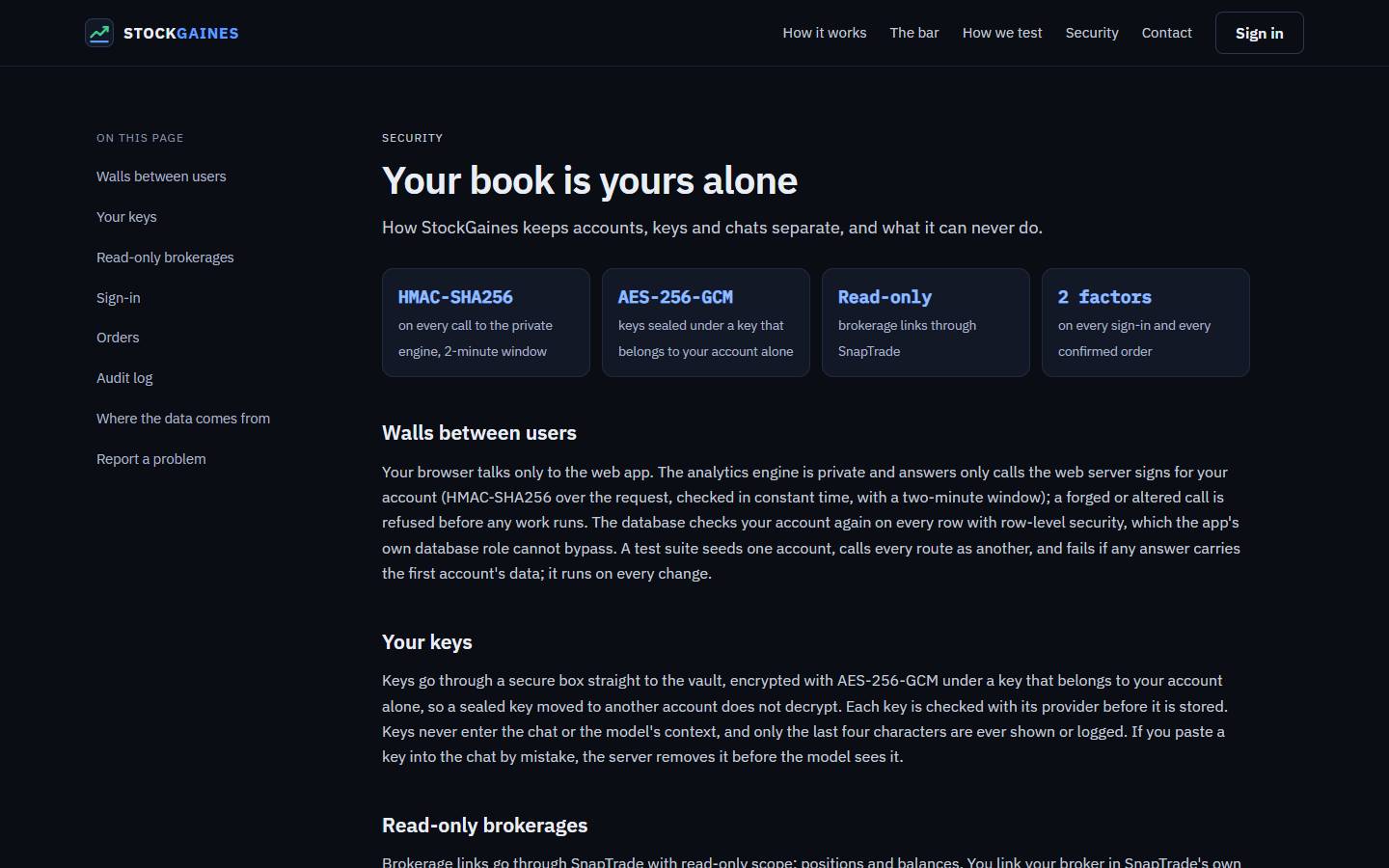
How accounts, keys and chats are kept apart: signed engine calls, row-level security, sealed keys, read-only brokerages and two factors.
The page has eight sections:
- Walls between users: the browser talks only to the web app; the engine answers only calls the web server signs for your account (HMAC-SHA256, two-minute window), and the database checks your account on every row. A test suite calls every route as another account on every change.
- Your keys: sealed with AES-256-GCM under a key that belongs to your account alone, checked with the provider before they are stored, never in the chat; only the last four characters are shown.
- Read-only brokerages: links go through SnapTrade with read-only scope; you sign in at SnapTrade, never here.
- Sign-in: an email link, Google, or a password, plus an authenticator code on every sign-in.
- Orders: the one chat order path, confirmed with a click and a fresh authenticator code, locked until the record beats SPY and QQQ.
- Audit log, Where the data comes from (each source, what it gives and whose key) and Report a problem (write on the contact page and start the message with Security).
Legal
The terms of service, the privacy notice and the investment disclaimer.
Terms, privacy and the disclaimer
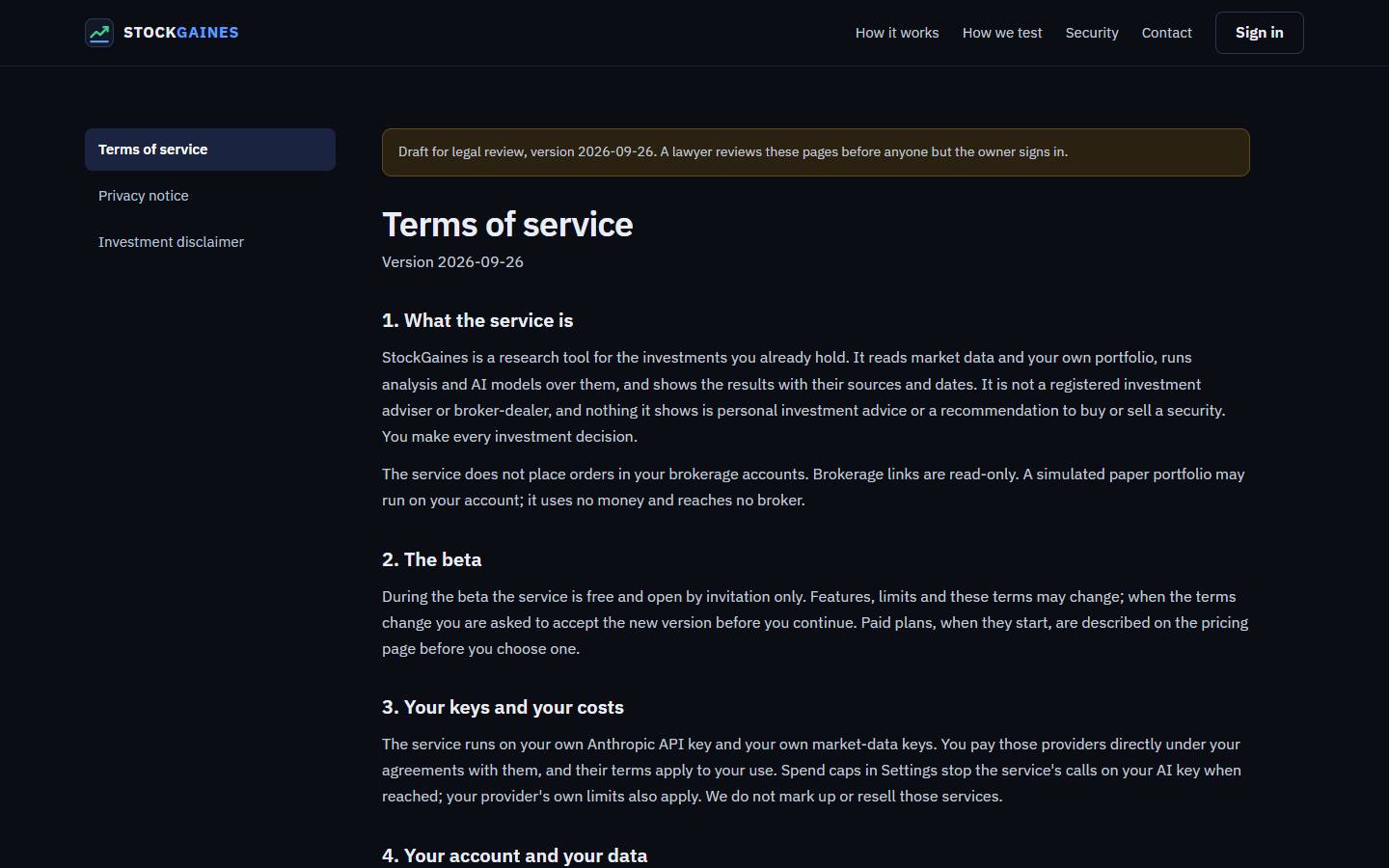
The terms of service, the privacy notice and the investment disclaimer, each with its version.
- Terms of service: what the service is, the beta, your keys and your costs, your account and your data, acceptable use, no warranty, and ending.
- Privacy notice: what is held, how it is used, who processes it, cookies and your choices.
- Investment disclaimer: StockGaines is a research tool, not a registered investment adviser or broker-dealer. Backtests and the paper portfolio are hypothetical, and past or simulated results do not predict future ones.
Contact
Write to the owner.
Contact
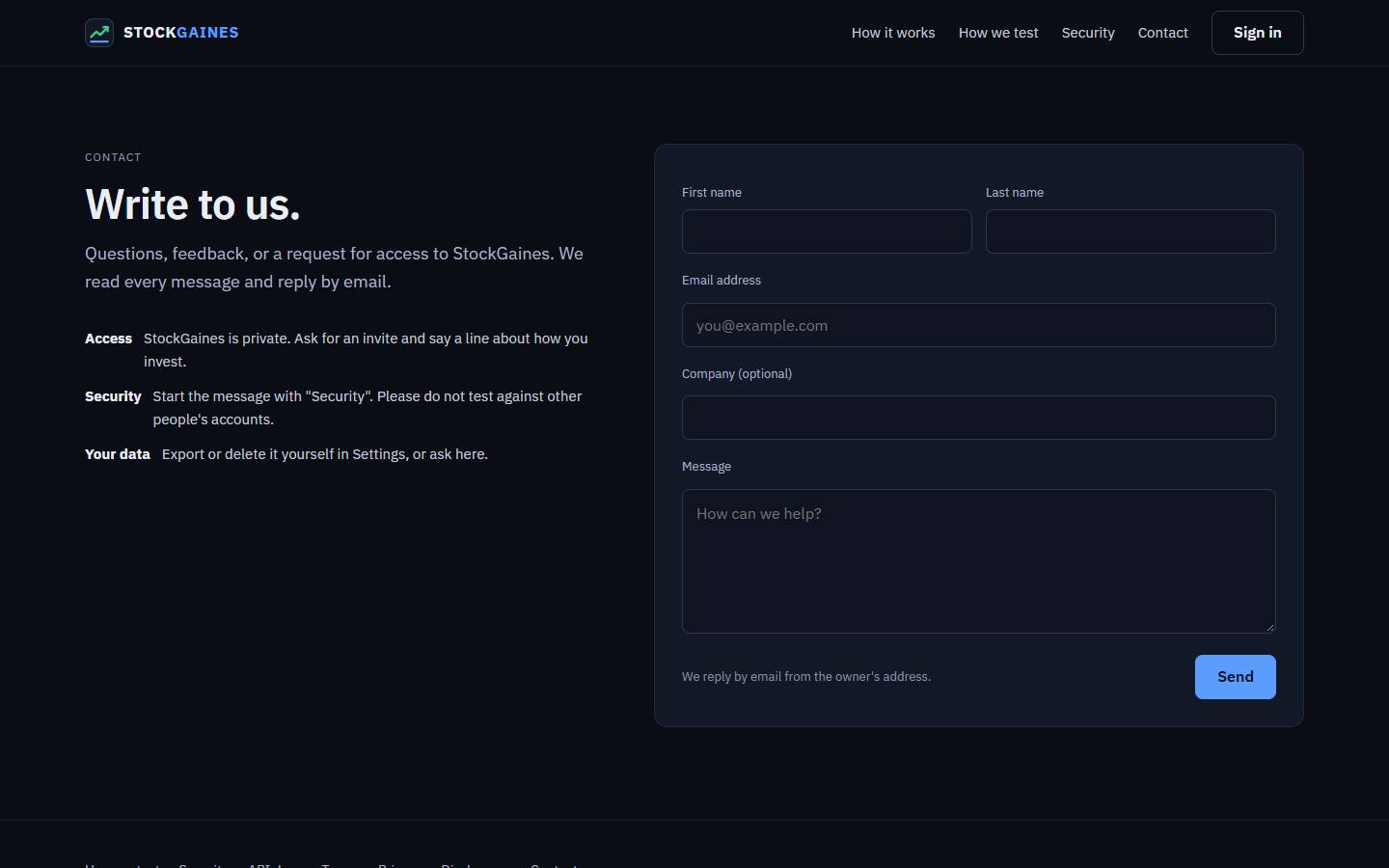
Write to the owner with a question, feedback or a request for access. Every message gets a reply by email.
The contact page takes questions and feedback. To ask for access, use Request an invite. For a security problem, start the message with Security.
Request an invite
Ask for a place in the private beta.
Request an invite
Leave your address and a line about how you invest; the owner reads each request and sends an invite code by email.
The Request an invite page puts your address on the owner's invite list (the operator console's Users list, src/invites.py). The owner reads each request and sends an invite code by email; sign up with that code and the same address.
An address is stored once, and a repeat gets the same answer. One network address can send 5 requests in 24 hours (kept only as a keyed hash, as on the Contact form), and the list takes at most 500 new addresses a day. For a question, use the contact page.
Site status line
A line above the public pages that says when part of StockGaines is down or slow, and when the note was last updated.
When something is down or slow, the owner writes a short note and it shows as one line above the header on every public page, with the time it was last updated. A red edge means down, an amber edge means slow or partly working. With no note, there is no line.
The note lives in the site itself (web/src/lib/siteStatus.json), not in the engine, so it still shows while the engine is down. GET /api/health returns the same note as JSON, with no sign-in.
The site, that health route and the engine are checked from outside every 5 minutes; the owner hears about an outage by email and a GitHub issue. To report a problem, use the contact page.
The terminal's library
Every page and tab of the terminal is explained panel by panel in its own library, with the how-to pages and the glossary. It is part of the terminal: open it once you are signed in.